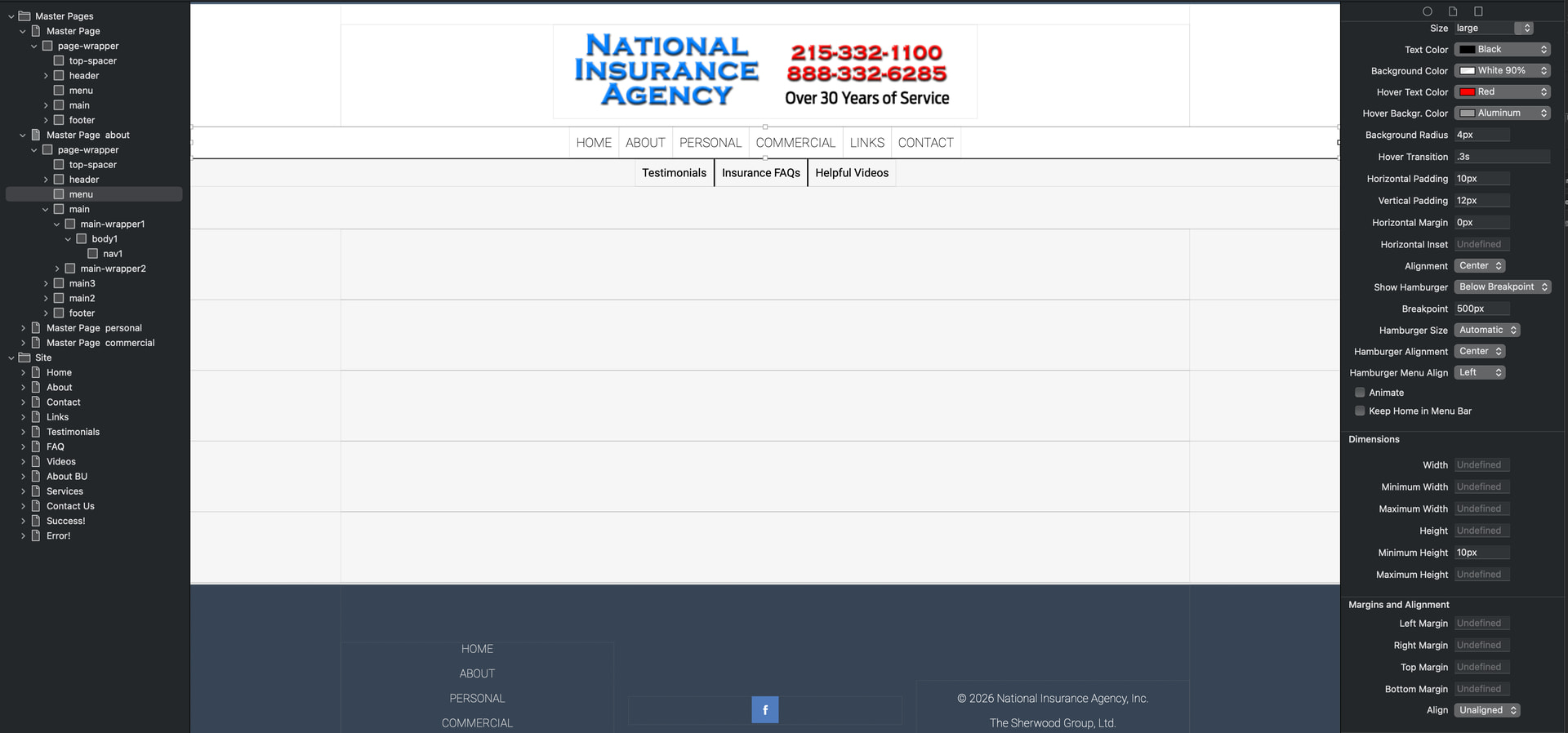
Good day! Working on a new site and I’ve set up a couple different Master Pages in an attempt to have sub menus on certain pages that used to contain drop down menus.
On my first master page - the main menu works as expected. Children of that page also work correctly.
This page only has a single menu set.
The other master page has a second menu set built into one of the main sections. Originally, when compressed, both menus would go to the hamburger - but would share the same main menu’s items.
So I changed the second menu to never show the hamburger. Now, both menus disappear when compressed. This master page’s children follow suit.
Xway menus are designed to be global. They will not work correctly if you add multiple menus on the same page. There is a note in the Xway User Guide about this (see Adding Menus on page 135 of the current user guide):
“Note: Xway does not support multiple menus on a page. If you need a second level of navigation links, consider using a box with text links that appears below the main menu.”
The Portfolio template is an example: this contains a global menu followed by a box of scrolling links. There is a main master page (“Main Master”), and two secondary master pages (“Graphics Master” and “Web Master”). The secondary master pages depend on the main master page, and each contains a box of scrolling links. [*]
Apple do something similar on their website. A top-level global menu displays as a hamburger on smaller screens, and is followed by a scrolling box containing links (MacBook Air, MacBook Pro, etc.)
[*] Boxes contain scrolling content if Overflow is set to Scroll or Auto. In this case we used an extended property (overflow-x: auto) to specify that the box should scroll horizontally, rather than in both directions. We may add this option to the Overflow popup in future versions of Xway.