Hi all
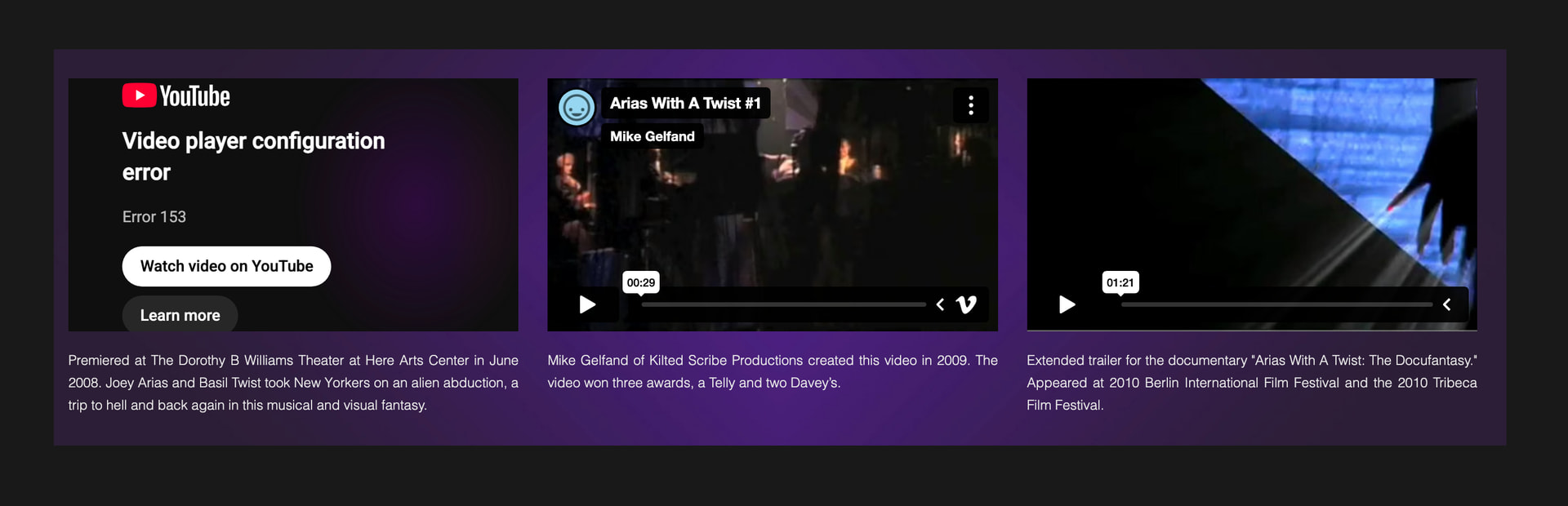
YouTube Error 153 (“Video player configuration error”) occurs when YouTube blocks an embedded video because it cannot detect a valid HTTP referrer header (often due to strict privacy settings, legacy iframe codes, or ad blockers). [1, 2]
Hi all
YouTube Error 153 (“Video player configuration error”) occurs when YouTube blocks an embedded video because it cannot detect a valid HTTP referrer header (often due to strict privacy settings, legacy iframe codes, or ad blockers). [1, 2]
Sorry all that was sent without my explanation.. I am getting a youtube error 153 and I lloked up and google s ays YT is blocking the videos
can you help?
thanks
Hi Carla,
Does this happen when you preview locally, or does it happen online (after you have uploaded)?
Jeremy hi there
This only happens in preview
If I upload then I’m afraid all the YouTube video will not display
actually
Uploading in the last few years has been a nightmare
The whole site goes wonky
Thanks for reply
Carla
Can you share a link to the website, or to the YouTube video?
Jeremy
this is a FW website and I had to keep my mojave Mac just to keep working on it
when I upoload over the last few years many pages were displayed wrong
so I have had to republish and re upload - a mess
last month before I saw the YouTube disclaimer which is now blocking legacy sites
I was uploading new content because a Vimeo video was changed whenI uploaded to NS
it would not update
just a mess
and now with this error on YT I cannot upload as I fear at least 30 videos will crash
[
|
|
Carla Grande
Consultant/Graphic Designer
917 621 5550
ah that is the main home page
here is the page with missing vimeo
I tried to see if I could log in to NS like I used to with fatcow and insert in the coding but I cant seem to do that with Network solutions
this is page with missing Vimeo
yes the YT videos work on the live site because I have not overwritten it with that blasted error 153
[
|
|
the center video I needed to replace with this video
[
the center one is the one I wanted to replace
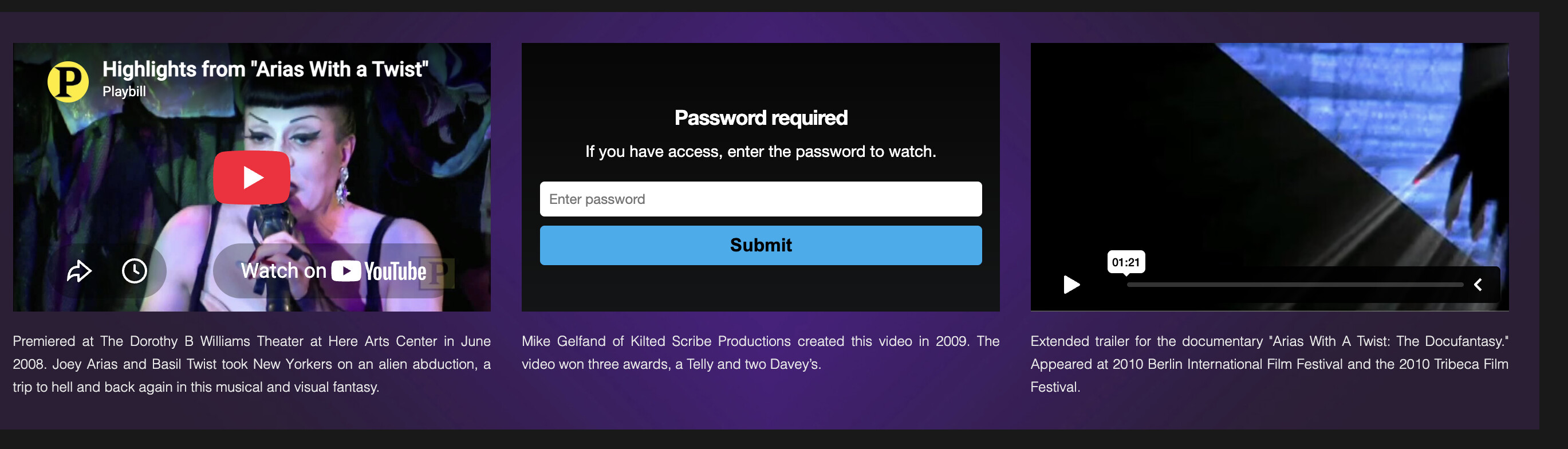
where it says password required
oh Jeremy if you could help I would be most grateful
Carla
917 621 5550
The YouTube error you see when previewing locally happens because YouTube no longer allows you to access videos from file:\\ (local preview) pages.
[Actually, it’s a combination of what YouTube allows and what browsers do. Xway can display previews of YouTube videos in its Page view because it sends the appropriate HTTP header, but the videos display the same error if they are previewed locally in a browser, or in Xway’s web view (which uses WebKit). I know you’re still using Freeway, but I’m mentioning this because we’ve encountered the same problem.]
The video should work when the site is uploaded: you could try uploading to a test location if you want to confirm this.
ah well that explains it
I dont have a test location..
I mean I have the NS server
but Im uncomfortable setting that up
ugh
thanks Jeremy
Carla Grande
Consultant/Graphic Designer
917 621 5550
A post was split to a new topic: Vimeo video asks for password
plus this website is a monster over 100 pages
Carla Grande
Consultant/Graphic Designer
917 621 5550
I don’t think the YouTube errors will occur when users view the site online. If you want to make certain, try uploading a page containing a YouTube video to a test location and see if the video works online. It won’t work when you preview locally.